Security, cost and GPUs
GPU infrastructure
Provisioning and scheduling GPUs for training and inference, covering hardware and fabrics, Kubernetes device plugins, gang scheduling, failures and checkpoints. Start here for the map of GPU pages.
CPU clusters forgive a mediocre network and a slow scheduler. GPU clusters do not. A job that spans many GPUs can spend most of its time waiting on data movement if the fabric or the scheduler is wrong. This topic is the infrastructure view. It covers what to buy or rent, how nodes connect, how Kubernetes or Slurm places work, and how to keep faulty hardware from wasting expensive hours.
The silicon and serving math live in GPU architecture and distributed training.
Read in order
| Step | Concept | What it answers |
|---|---|---|
| 1 | GPU hardware and interconnects | Which memory, link and network does a job need? |
| 2 | GPUs on Kubernetes | How does a pod get a GPU, and how do you share one? |
| 3 | Gang scheduling and Slurm vs Kubernetes | How do you start all 32 workers together, or none? |
| 4 | GPU failures and checkpoints | What happens when a card fails mid-run? |
Two products share the word GPU cluster
Training and inference want different things from the same hardware.
| Training pool | Inference pool | |
|---|---|---|
| Allocation | Exclusive or nearly exclusive nodes | Many small replicas |
| Scheduling | Gang-scheduled | Fast scale-up |
| Network | InfiniBand or RoCE, fast checkpoint storage | Tail latency and autoscaling matter most |
| Preemption | Expensive, since a killed job loses progress | Spot works for stateless overflow |
| Hardware | Homogeneous SKUs for predictable NCCL topology | Mixed SKUs are fine if the router knows what runs where |
Where capacity comes from
| Source | Strength | Trade-off |
|---|---|---|
| Hyperscalers (AWS, GCP, Azure) | Integrated IAM, storage and managed Kubernetes | Quota waits, price, and SKU availability varies by region |
| Neoclouds (CoreWeave, Lambda and similar) | GPU-dense, often InfiniBand, sometimes lower cost per GPU-hour | A different ops model with less of the full cloud |
| On-prem or colocation | Capital control at high utilization | Capex, power, staffing and refresh cycles |
In 2025 and 2026, quota and delivery timelines shape planning more than list price. Teams reserve capacity months ahead, or keep a second provider as an escape hatch.
Storage next to the GPUs
GPUs starve without data. Keep the object store as the source of truth, and cache active datasets and weights on node-local or rack-local NVMe. Otherwise every scale-up downloads 100+ GB of weights again. Pre-pull large CUDA images onto GPU nodes, because cold starts can dominate queue time.
Common mistakes across the topic
- Ordering GPUs without asking the SKU, fabric and node size. "Eight H100s with IB" leaves too much open.
- No checkpoints on a multi-day training run. One card failure then loses days.
- Time-slicing for paying customers. It has weak isolation and noisy neighbors.
- Unpinned drivers. A surprise driver upgrade in the middle of training is an outage.
Key takeaways
- Choose GPUs by memory, interconnect and form factor, not by peak FLOPS.
- Multi-node training needs RDMA fabric with enough bandwidth per GPU.
- Kubernetes needs a device plugin, tainted GPU node pools, and MIG or time-slicing for packing.
- Gang scheduling is mandatory for multi-GPU training.
- Expect GPU failures, and make recovery routine with health checks and checkpoints.
Further learning
NVIDIA's GPU Operator docs are the practical install and upgrade path for Kubernetes clusters.
NVIDIA GPU Operator documentationAbout the NVIDIA GPU Operator — NVIDIA GPU Operatordocs.nvidia.comThe Hopper architecture deep dive explains HBM, Tensor Cores, NVLink and MIG at the level infra and ML engineers share.
NVIDIA Hopper Architecture In-DepthEverything you want to know about the new H100 GPU.NVIDIA Technical Blog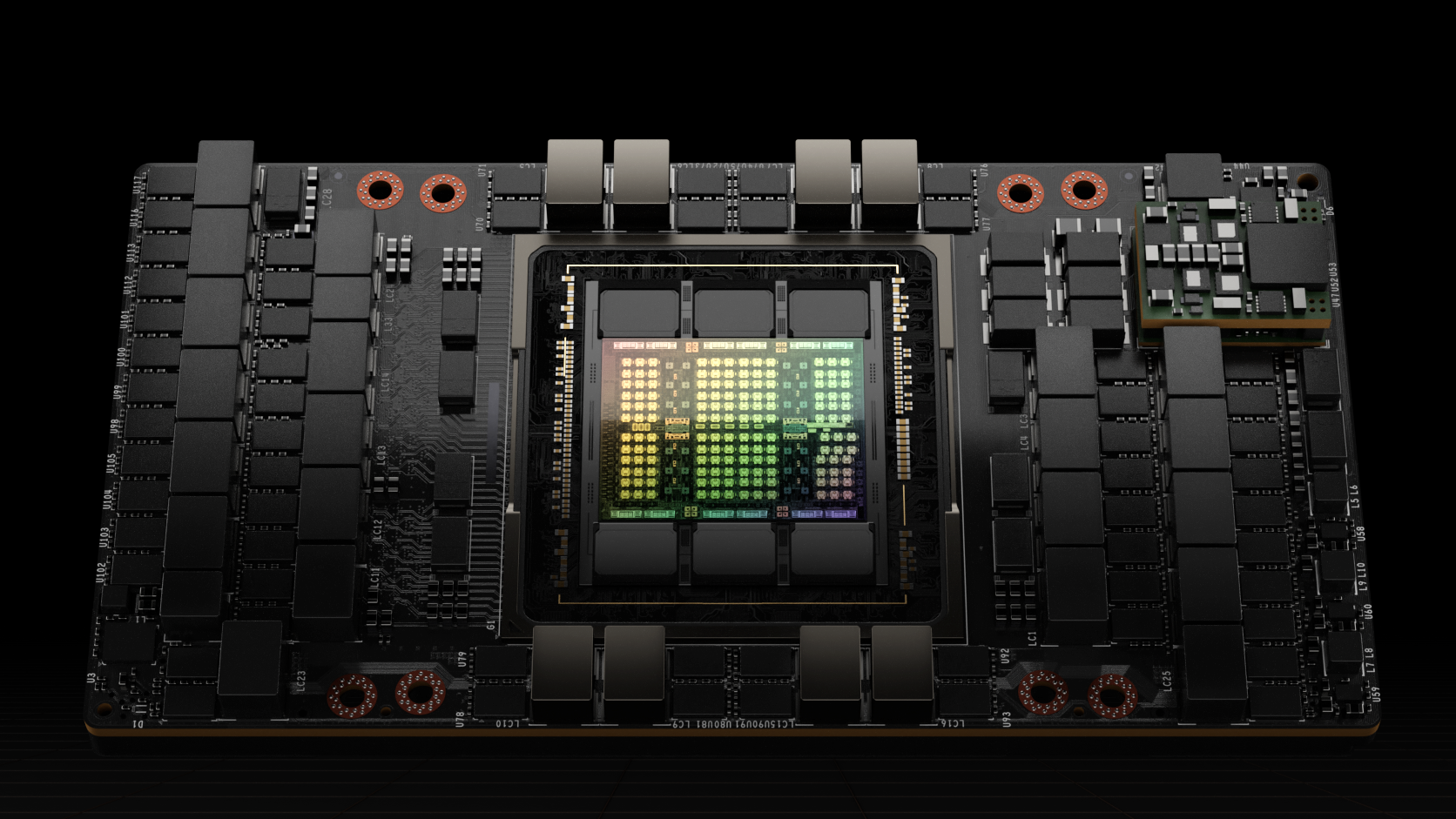
Google DeepMind's How to Scale Your Model is the clearest free book on parallelism and scaling laws for large models.
How to Scale Your Model (Google DeepMind)Training LLMs often feels like alchemy, but understanding and optimizing the performance of your models doesnHow To Scale Your Model
Related
GPU architecture
SMs, warps, tensor cores and the memory hierarchy from registers to HBM, with H100/B200 numbers.
Distributed training
How to train models too big for one GPU, using data, sharding, tensor, pipeline and context parallelism. Covers the memory math that forces the choice and how to judge the result.
Autoscaling and GPU fleet management
Scale GPU replicas on queue depth, KV pressure and SLOs — not GPU util — then plan fleets around cold starts, warm pools and heterogeneous hardware.