Containers and orchestration
Image layers and digests
An image is a stack of read-only layers named by their content hash. Learn why deleting a file does not shrink an image, and why production should pin digests, not tags.
An image is a stack of read-only filesystem layers plus a small JSON config that holds the entrypoint, environment variables and user. Each layer is a tarball of file changes. Each layer is named by a hash of its bytes, so the same bytes always get the same name.
Concept
A hash (here, SHA-256) is a fixed-length fingerprint of some bytes. Change one byte and the fingerprint changes completely. Two layers with the same fingerprint are the same bytes.
The big idea
Think of a stack of tracing-paper sheets. Each sheet adds marks on top of the sheets below. A later sheet can cover an earlier mark, but it cannot erase the mark from the sheet underneath. Image layers work the same way. The analogy breaks at runtime, where the stack is merged into one view and a copy-on-write step applies.
Walking through a deleted file
This Dockerfile tries to save space by deleting the download.
RUN curl -o /tmp/big.tar.gz https://example.com/big.tar.gz
RUN tar xzf /tmp/big.tar.gz && rm /tmp/big.tar.gz
The second step records a deletion marker in its own layer. The tarball still exists in the first layer, so the image is just as large. Put both commands in one RUN and the tarball never becomes part of any layer.
At runtime, a union filesystem (usually overlayfs) merges the layers. It uses copy-on-write. Reading a file from a lower layer is free. Changing it copies the whole file into the container's writable layer first. So appending one line to a 1 GB file inside a container copies 1 GB.
Tags and digests
Everything in an image is content-addressed. The manifest lists the digests of its layers and config, and the hash of the manifest is the image digest.
myorg/api:1.4.2                                  <- tag: a movable pointer
myorg/api@sha256:9f86d081884c7d65...             <- digest: exact bytes
A tag is a pointer. Someone can push a new 1.4.2 or a new latest, and every node that pulls afterwards gets different bytes. A digest never changes. Pin digests in production manifests, or use immutable tags that your registry refuses to overwrite.
A multi-arch image is a manifest list that points at one image per platform. The same tag can serve linux/amd64 on your servers and linux/arm64 on ARM nodes or an M-series Mac.
Content addressing also saves space. If 30 services on one node are built from python:3.12-slim, that base is stored and downloaded once. Stable base layers and small top layers make deploys faster.
Registries such as Docker Hub, ECR and Artifact Registry store these layers. Docker Hub rate-limits anonymous pulls, which has broken many CI pipelines, so mirror the base images you depend on.
Common mistakes
- Deleting a secret in a later layer. It is still readable in the earlier layer.
- Deploying
latest. Each node may run different bytes under the same name. - Assuming a container write is cheap. Copy-on-write copies the whole file first.
Check yourself
- Why does
rmin a laterRUNstep not shrink the image? Answer: The file still exists in the earlier layer. The later layer only records that it was deleted. - Why pin a digest instead of a tag? Answer: A tag can be moved to new bytes. A digest names one exact set of bytes.
Key takeaways
- An image is a stack of content-addressed, read-only layers.
- Deleting a file in a later layer hides it. The bytes stay in the image.
- Overlayfs merges the layers and copies whole files on first write.
- Deploy by digest, and mirror base images into your own registry.
Further learning
Julia Evans' zine on containers explains layers, namespaces and images with clear pictures.
Julia Evans: How Containers Work (zine)How Containers Work!wizard zines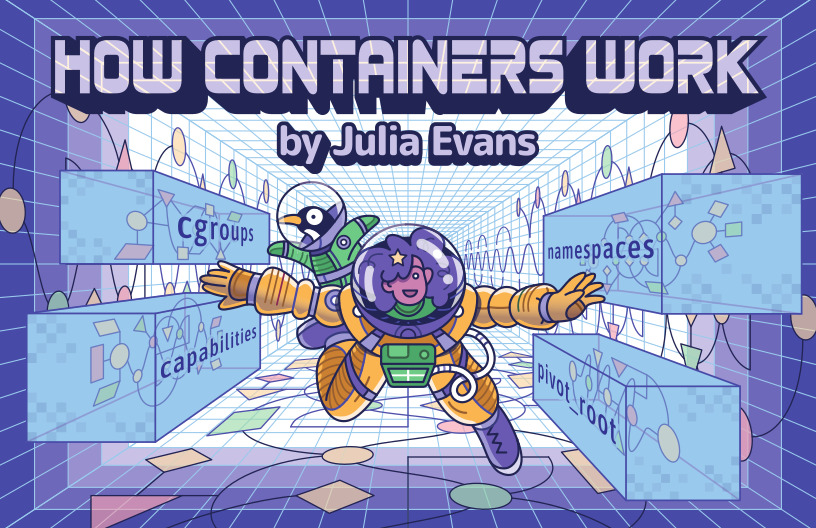
The next page covers how to order a Dockerfile so layers cache well: writing good Dockerfiles.
Related
Containers from the inside
Namespaces, cgroups and layered images - what a container really is, how images are built and shipped, and how to write small, fast, secure Dockerfiles.
Writing good Dockerfiles
Order Dockerfile steps so the cache works for you, build in stages so compilers stay out of the final image, and run as a non-root user.
Continuous integration and the software supply chain
Fast, trustworthy pipelines - build, test, artifact, scan and sign - plus DORA metrics and supply-chain controls that keep trunk green.